Persistent Filesystems in Plotly Cloud
Apps can now keep files across restarts, redeploys, and sleep.
A persistent filesystem is durable, team-level storage that you mount into an app at a path you choose, such as /data. Your app reads and writes it like a regular folder.
What's included
Storage tab in app settings. Attach an existing filesystem or create a new one, set a mount path, and publish. The mount applies on the next publish or restart.
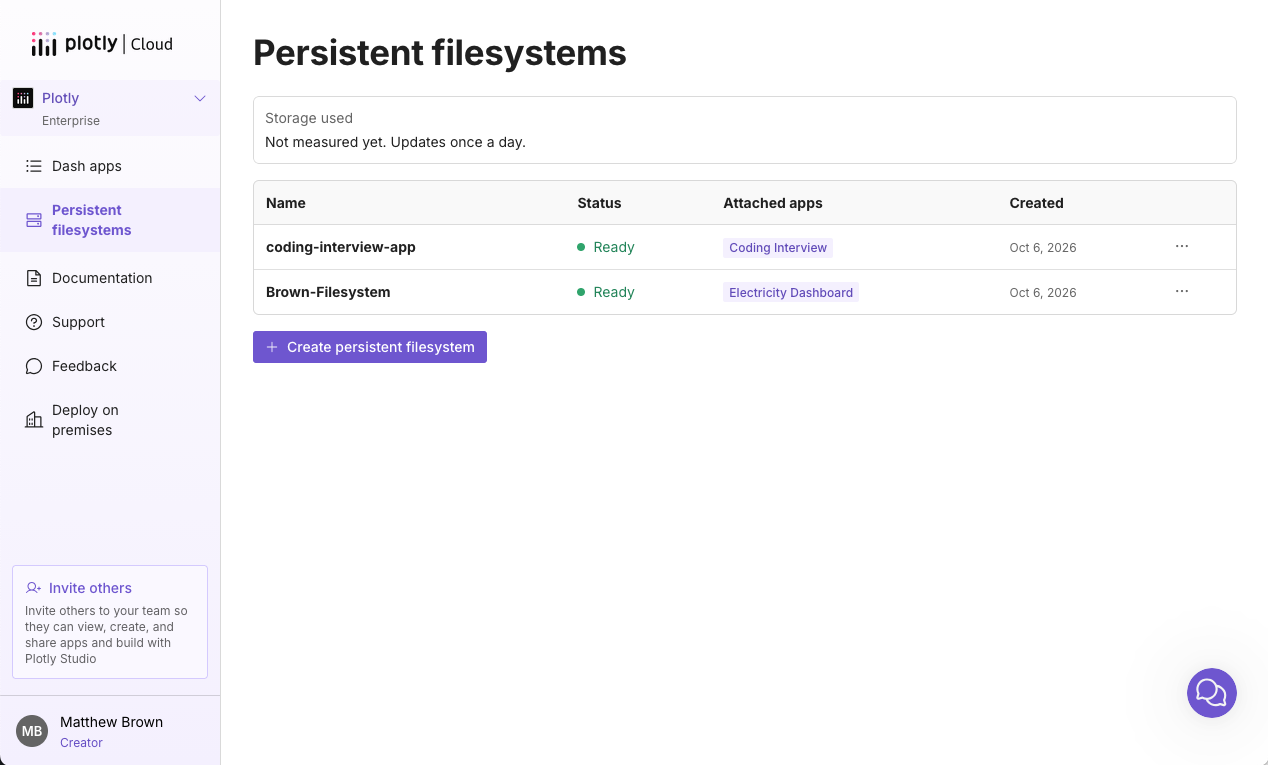
Filesystems page. See every filesystem on your team, its status, and the apps it's attached to, along with your team's storage usage and cost.
Share across apps. Mount the same filesystem into as many of your team's apps as you need.
Regular filesystem behavior. Read, write, rename, append, and delete files and nested directories.
Usage-based billing. There's no size to choose. Storage is billed on what's stored (in GB/mo). See pricing for details.
Availability: Pro and Enterprise plans.
For more information, read the announcement blog post and docs.