June 16th, 2026
Plotly Studio

Manual Override for Credential Redaction
A confirmation dialog now appears before any secrets redaction is applied. This allows you to avoid accidental redaction for strings that the LLM misidentified as a secret.

Personalized AI-Generated Notes
Notes and methodology generation now takes your personal preferences into account, including language settings. AI-generated content will feel more consistent with how you work.
Duplicate Messages No Longer Appear
Messages containing line breaks were occasionally displayed twice in a session. They now appear correctly every time.
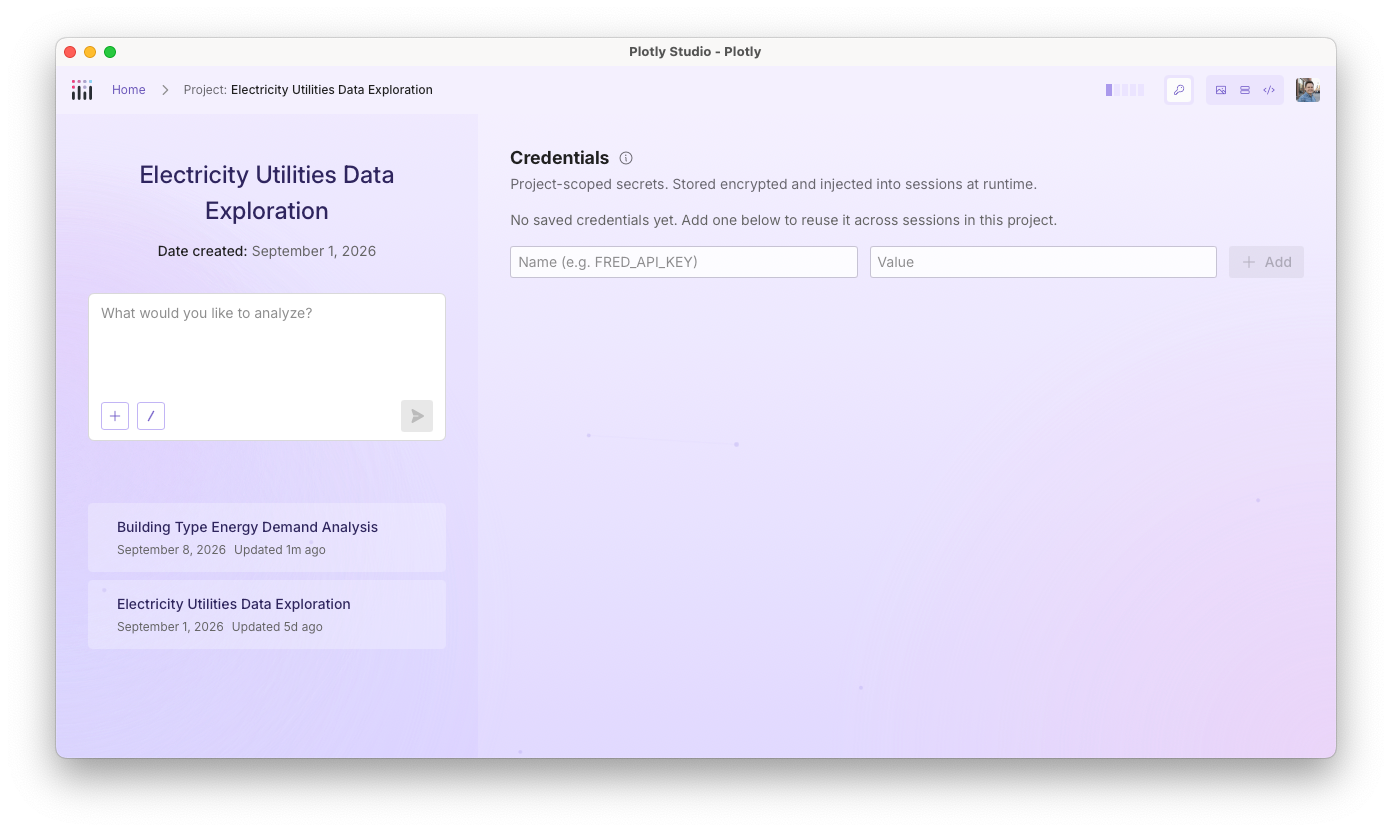
All Credentials Are Saved When Set Together
When the AI suggested setting multiple credentials at once, only the first value was being saved. All credentials are now submitted together in a single step.
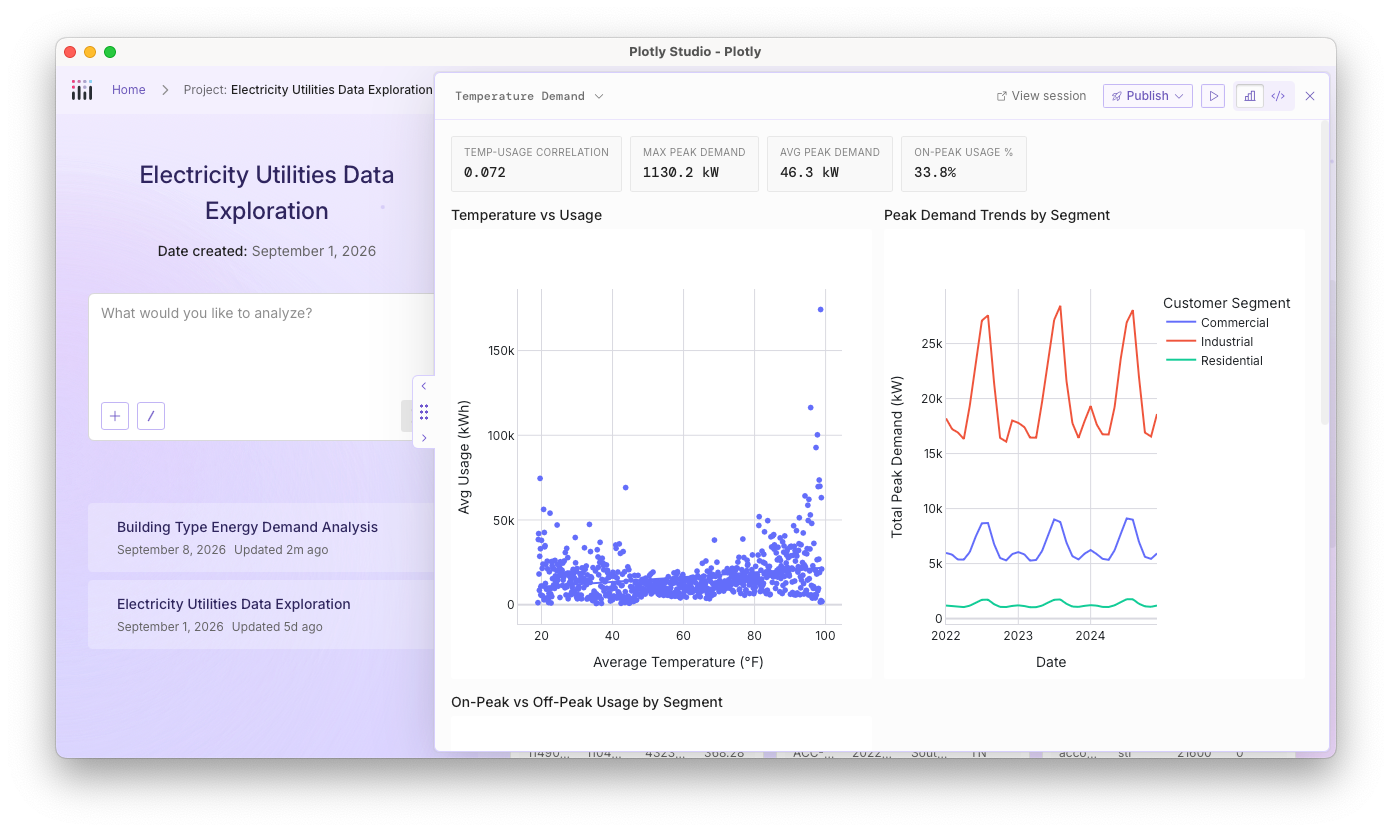
Charts and Tables Handle Large Content Better
Wide tables with many columns and large stat cards were overflowing their containers. Content now truncates cleanly without breaking the layout.
Long Sessions Are Managed Correctly
In very long conversations, an error related to session length limits was not being caught properly, which prevented automatic session management from working. This has been fixed.
Windows App No Longer Blocked by Antivirus
Some antivirus programs on Windows were quarantining a file created at startup, preventing Plotly Studio from launching. The startup process has been updated to avoid triggering this behavior.
June 15th, 2026

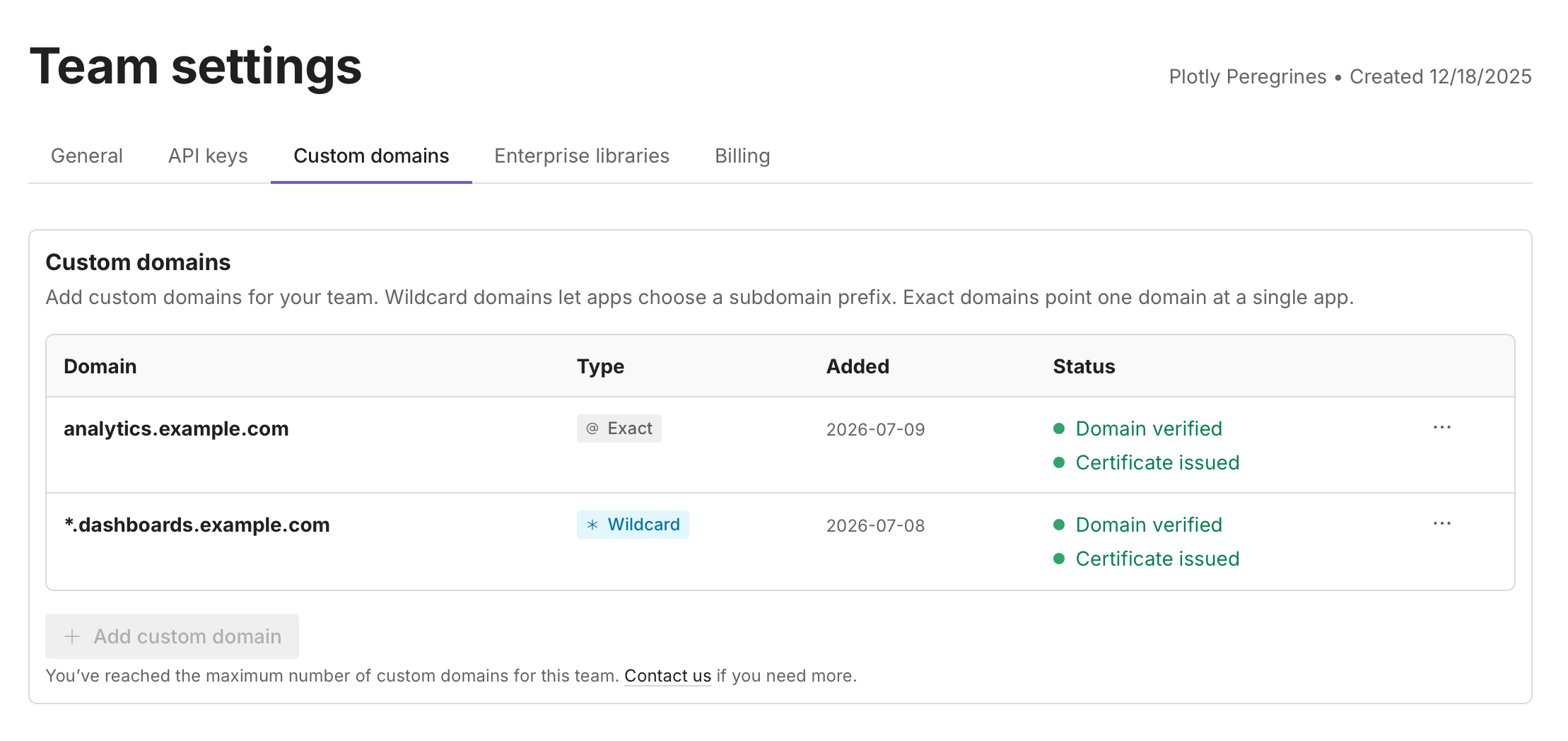
Tired of inviting teammates one at a time? Now you can claim your company's domain and let the right people join automatically.
With Domain Verification, once you prove you own a domain like yourcompany.com, anyone who signs up with a matching email is added to your team automatically — no manual invites. It's also the first step toward setting up single sign-on (SSO) for your organization, available in the Enterprise tier.
Verifying takes just a few guided steps in Team settings, and it's available now for teams on the Pro plan and above.
👉 Head to your Team settings to claim your domain, or read the guide to learn more.
June 15th, 2026
Plotly Studio

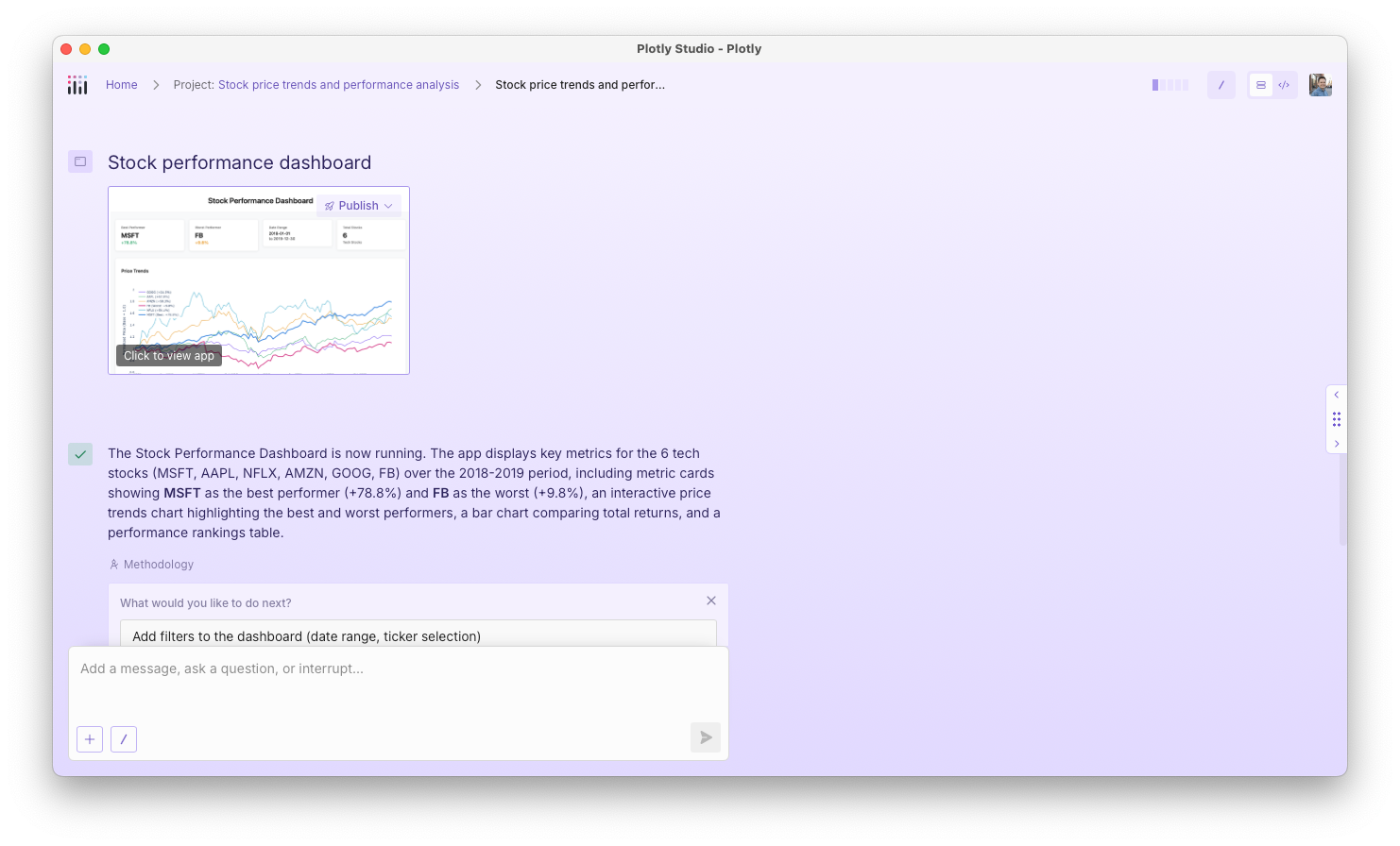
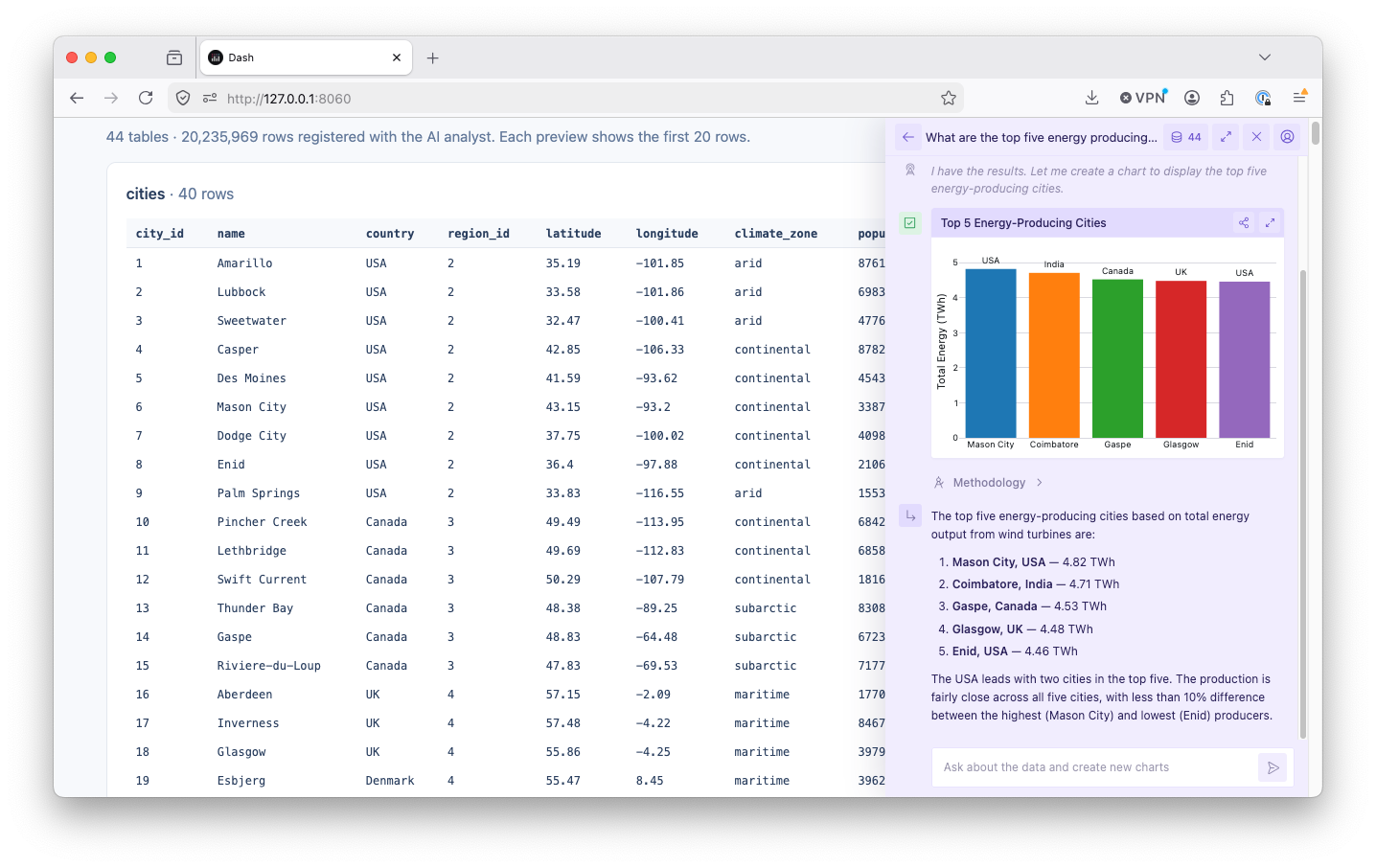
Methodology Section for Analysis Steps: AI-generated analysis steps now include a Methodology section that explains the reasoning behind each step. You can review how Studio arrived at a particular result and verify the approach before acting on it.

Universal Deployment Support: You can now deploy any type of content created in Studio (not just apps) to Plotly Cloud or Dash Enterprise. Previously, only Dash apps could be published.

Dependency Update: Updated an underlying library dependency to a newer stable version, resolving minor bugs that could surface in edge cases.
June 1st, 2026
Plotly Studio

Your preferences now follow you across sessions. You can add personal context to your Studio settings. You can add things like preferred color schemes, data conventions, or output formatting rules, and the AI will apply them automatically in every session without you having to repeat yourself each time.

Longer AI responses now complete reliably. When Studio's AI hits a length limit mid-response, it automatically picks up where it left off, so complex code generation and multi-step analyses are no longer cut short without explanation. If a response still can't complete, you'll see a clear message instead of a silent truncation.
Sessions start faster. Studio now handles chart-rendering setup before a session begins rather than during it, which noticeably reduces the time before you can start working.
Your prompts are better protected. Studio has expanded the masking of user-entered text in its analytics pipeline, so the content of your queries is not captured in usage data.
Error messages in the footer are now context-aware. The footer shows "click for details" when an error is collapsed and "click to hide" when it's open, making it easier to tell at a glance what action is available.
Fixed an issue where switching between Dash Enterprise and Plotly Cloud authentication could leave stale settings behind, causing unexpected behavior until you logged out and back in.
Fixed a stuck "Loading…" state that appeared on sessions requiring credentials, and resolved a related issue where the credentials prompt didn't appear correctly when previewing an app.
Fixed intermittent delays and errors during chart export and code execution caused by unhandled edge cases in the rendering engine.
May 27th, 2026
Plotly Studio

Skills are reusable prompts you run inside any agentic session to handle common tasks without retyping the same instructions. Nine built-in skills are available, and custom skills can be created additionally. Invoke any skill from the Skills panel or by typing its slash command directly in the prompt box.
Skills are great for spot checking your analysis, one-button creation for Dash apps, and even as a way to create a data source template when connecting to your data sources at the start of each session.

You no longer need to write a prompt to start a session. Upload your data files and Studio will begin working from them. Session names also update automatically to reflect the names of your uploaded files.
Redesigned session list. The session list now uses a cleaner layout that gives each session and its charts more room. The masonry grid has been replaced with a design that makes it easier to scan past work at a glance.

Smoother loading and startup. Loading animations in agentic mode are smoother, and startup errors now surface clear feedback instead of failing silently.
Navigation and account menu updates. The header has been reorganized and the user menu consolidates options, making team switching and account settings easier to find.
Fixed an issue on Windows where Python processes would stay running after Studio closed, causing file locking errors on the next launch.
Fixed a bug where sessions could load stale data instead of the latest version.
Fixed spinner freezing during long operations.
Fixed an issue where Dash app code could render as plain text due to mismatched tags in the output.
Session thumbnails now show a placeholder when a chart image cannot be saved, rather than showing nothing.
Tables now match height correctly when displayed alongside charts.
Fixed terminology and interaction issues in the credential management UI.
Long prompts now collapse automatically in the input field.
May 27th, 2026

As Plotly Cloud grows, we're adjusting how Viewer seats work across our plans to make sharing simpler and more predictable. Here's what's changing:
Free plan: Free accounts now include 3 Viewer seats by default. Invite collaborators to private apps and share your work without making data public. No upgrade or plan change is required to get started.
Pro plan: Pro accounts continue to include 10 Viewer seats. You can now add additional Viewers beyond the included 10 at $10 per Viewer per month, billed as part of your subscription.

You can monitor seat usage under your team settings. Learn more on our pricing page or in the Plotly Cloud documentation.
May 14th, 2026
Plotly Studio

Upload files during a session: You can now upload files at any point during a session, not just at the start. This makes it easier to bring in new data mid-analysis without restarting.

Sample sessions: When you first open Studio, you can now explore an example session while the backend loads in the background.

Fixed a scrolling issue where submitted answers would briefly disappear. The "scroll to bottom" button is also no longer hidden behind the input field.
Fixed a Windows-specific issue where background processes continued running after an app update, which could prevent the app from restarting successfully.
May 14th, 2026

API keys and a CLI are now generally available in Plotly Cloud. To get started, the best first stop is our documentation. You can access the API keys configuration menu in your team settings.
API keys are available in the Pro plan and above on Plotly Cloud.

Together, these features make it possible to publish apps to Plotly Cloud from CI/CD pipelines, like Github Actions. You can authenticate your usage of the Plotly Cloud CLI by logging in with your Plotly Cloud account, or, in a CI/CD pipeline, using the —api-key flag:
plotly --api-key "your_api_key_here" app publish --name my-appWe’ve also added examples to our documentation of how to configure a deployment pipeline in various CI/CD systems.
If you’re building Dash apps with AI agents, like Claude Code, the new CLI makes it easier to bring projects to production. AI agents can leverage the for both build and publish steps. A typical agent workflow looks like this:
Ask the agent to create a Dash app: Create a Dash app that shows a scatter plot of the iris dataset (px.data.iris()) with dropdowns to select the x and y columns.
The agent writes the code and can run it locally:
plotly app runOnce you're satisfied, ask the agent to publish: Publish this to Plotly Cloud as iris-explorer.
The agent runs:
plotly app publish --name iris-explorerYou can learn more about recommendations for using agents with the CLI in our documentation.
May 14th, 2026
Plotly Studio

Fixed several issues where AI-generated components would fail to load, appear empty, or show as failures. Components that have non-fatal issues (like large figures or empty data) now save and display correctly instead of blocking the session.
Fixed text encoding errors on Windows systems using non-UTF-8 locales that could prevent components from rendering.
Fixed an issue where AI output cut off mid-generation could leave a component in a broken state. Studio now recovers gracefully and surfaces clear errors rather than silently failing.
Fixed installation failures on Mac ARM (Apple Silicon) systems. Snowflake connector issues that were causing agentic sessions to fail with unclear error messages are also resolved.
Improved automatic recovery during upgrades for users with broken or partially installed setups.
May 12th, 2026
Plotly Studio

In-product Feedback (Beta): After completing an agentic session, you can now rate your experience and leave comments directly in the product. Feedback prompts appear when a session reaches a finished state or after Python code runs.

Faster Agentic Session Startup: Agentic sessions now start faster and use fewer system resources. Sessions share a single Python environment instead of spinning up a new one each time, so you spend less time waiting and your machine stays more responsive throughout your work.
Fixed an issue on Windows where authentication tokens would go stale between sessions, forcing unexpected re-logins.
Deployment error messages are now easier to read. Technical details and authorization tokens are hidden, and overly long messages are trimmed to the relevant information.
Fixed a font rendering issue in agentic mode text areas on Windows where inputs displayed in monospace instead of the system font.